Add API keys on your Sovereign brain
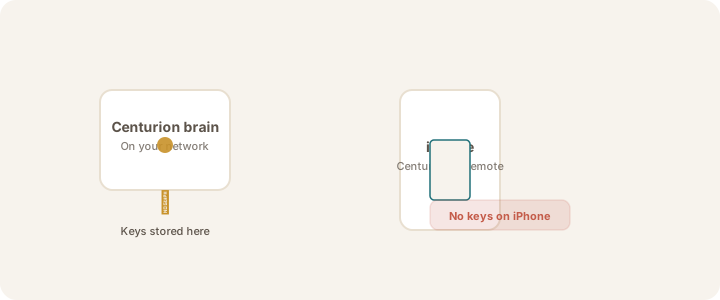
Store thinking service keys securely on your brain — never on your iPhone.
Updated July 13, 20261 min read
Thinking services need API keys from their providers (OpenAI, Anthropic, etc.). Keys are stored only on your Sovereign brain.
From iPhone
- Choose Thinking Service → model shows Needs key
- Tap Add API key on Sovereign → enter key → Save on Sovereign
The key is sent securely to the brain for storage — not kept in iCloud or on the phone.
From brain admin
If your appliance includes an admin screen, use its key management for the same providers.
Warning
Treat API keys like passwords. If you think a key has been exposed, remove it and create a new one on the provider's website.
Was this article helpful?