Sovereign brain setup (physical)
Plug in a physical Sovereign brain appliance — or use software install instead.
Updated August 2, 20261 min read
Use this page only if you have a physical appliance kit. Most customers install Brain from Account → Get Brain — see Download and install.
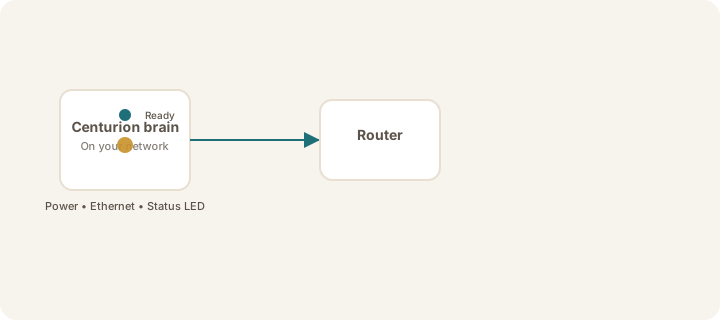
Steps (appliance)
- Place the brain in a well-ventilated spot (compact desktop unit, not inside a closed cabinet).
- Connect power — wait for the status light to indicate ready (about 2 minutes on first boot).
- Connect Ethernet to your router or switch (recommended). Wi‑Fi on the brain is not the primary setup path for customers.
- Confirm your iPhone uses the same network as the brain (same Wi‑Fi name), or set up Tailscale.
- Activate your license if your advisor issued an activation code.
- Continue with Find and link your Sovereign.
Warning
Do not open the appliance case. For software Brain, install only via Account → Get Brain and Smooth Transfer — never GitHub curl | bash customer instructions.
Prefer software install?
Download and install Sovereign AI Brain walks through Get Brain → ./install.sh → Transfer complete → activate.
Was this article helpful?