Connection timed out
What to do when your iPhone can't reach your Sovereign brain.
Updated July 16, 20261 min read
Symptoms
- "Connection timed out" when linking or reconnecting
- Your Sovereign doesn't respond after tapping it in the list
Cause
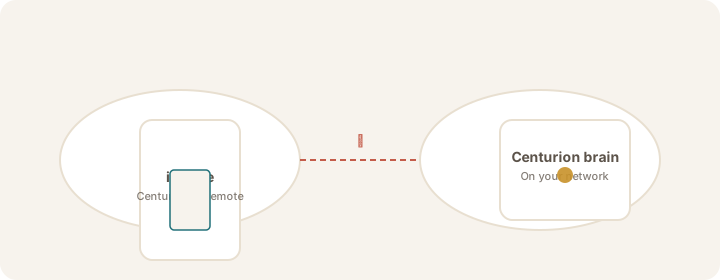
Your iPhone and Sovereign brain could not reach each other. Prefer Tailscale first; same Wi‑Fi is the fallback when Tailscale is off.
Steps
- Confirm your Sovereign brain is powered on and Sovereign Remote is running.
- Tailscale first: turn on Tailscale on the iPhone and on the Sovereign (same tailnet), then tap Reconnect.
- On the Sovereign desktop, copy the Tailscale (preferred) address and paste it under Find my Sovereign → Enter address manually if you have not linked over Tailscale yet.
- Confirm TCP 9119 is allowed on the Tailscale interface (firewall).
- Wi‑Fi fallback: if Tailscale is unavailable at home, use the same Wi‑Fi name on both devices and enable Local Network — see Enable Local Network.
- Return to the app → Reconnect or Find my Sovereign and try again.
Tip
See Stay linked with Tailscale for the preferred path at home and away.
Verify
The link card shows Linked · Tailscale or Linked · Wi‑Fi, and Chat opens without a "not connected" banner.
If discovery works but linking stalls, see Stuck on "On your network".
Was this article helpful?