Reset iPhone identity
Start fresh with a new security identity when pairing problems persist.
Updated July 13, 20261 min read
Steps
- You → scroll to the danger zone → Reset Identity
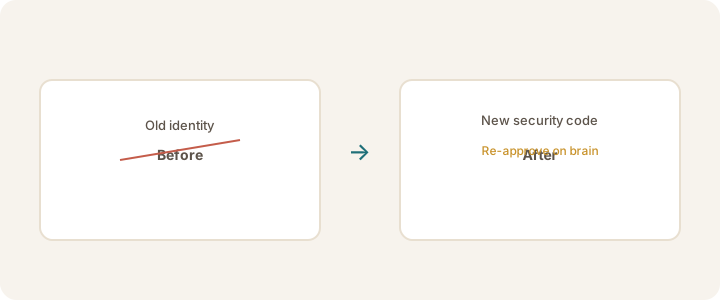
- Your iPhone gets a new security identity
- Approve the iPhone again on the brain before linking works — see Approve your iPhone
Warning
Not sure you need this? Talk to Adrian in Support first. Resetting breaks the current device link and requires re-approval.
If the brain no longer recognizes your iPhone, see iPhone no longer approved.
Was this article helpful?