What's in the box
What you need for software Brain or a physical appliance kit.
Updated August 2, 20261 min read
Most customers start with software from the website. Some receive a physical appliance kit. Both end at the same place: a running Sovereign brain you can pair with Remote.
Software path (usual)
- A Linux machine (Fedora recommended) where Brain will run
- Access to your Centurion Account (magic-link email)
- An activation code from your advisor
- iPhone 15 or newer with Sovereign Remote from the App Store
You download Brain from Account → Get Brain — see Download and install. You do not need GitHub.
Physical appliance kit (if that is your order)
- Sovereign brain — MSI Cubi NUC AI+ 2MG (Intel Core Ultra 9), ready to plug in
- Power and network cables
- Your iPhone (15 or newer) — install Sovereign Remote from the App Store
Then follow Sovereign brain setup (physical) and still activate your license if your advisor issued a code.
Before you start
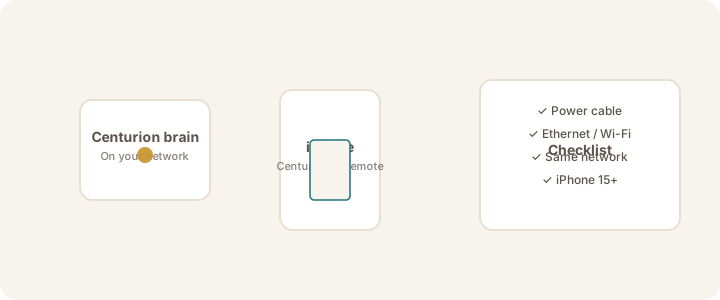
- iPhone 15 or newer with Sovereign Remote installed (for Crypto Chat away from the desk)
- Same network (or Tailscale) for iPhone and brain when linking
- License / activation code ready for Brain Settings → License
Tip
Account sign-in is only for downloads and license paperwork. Crypto Chat stays private on your brain. See Sign in to your Account.
Continue with Supported devices or jump to First 15 minutes.
Was this article helpful?